
STEP
To import a STEP file:
- Select
Edit modelto enable model editing. - Select
+next to Geometry elements and chooseImport file. - Select a STEP file.
- Build the file import.
You can enable clean up of detached entities or change the offset of the imported model in the import settings.
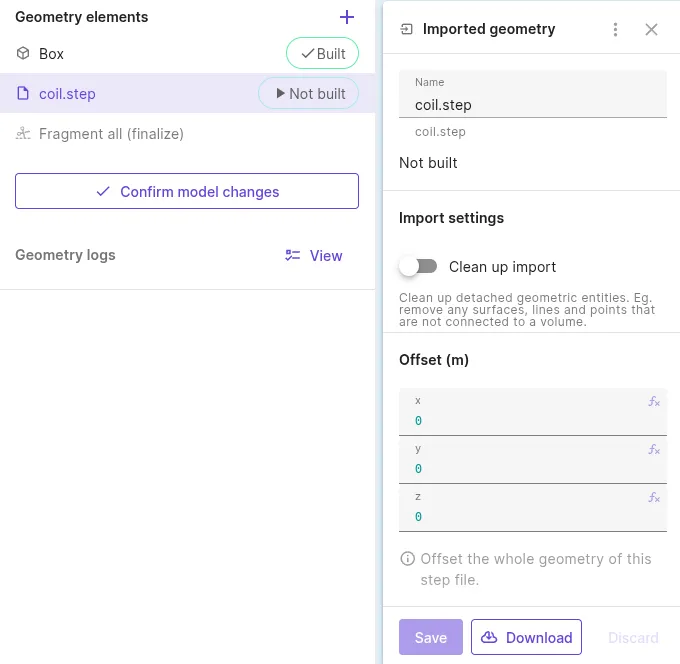
Finalize model creation by selecting Confirm model changes.
STEP files can include assembly structure and part names. After the model is confirmed, these appear in the Assemblies tree in the Common sidebar. See Assemblies.